Know what every tyre costs per kilometre.
Tyre management for GCC fleets: each tyre tracked by serial and wheel position, removals forecast from tread, and TPMS alerts through your telematics.
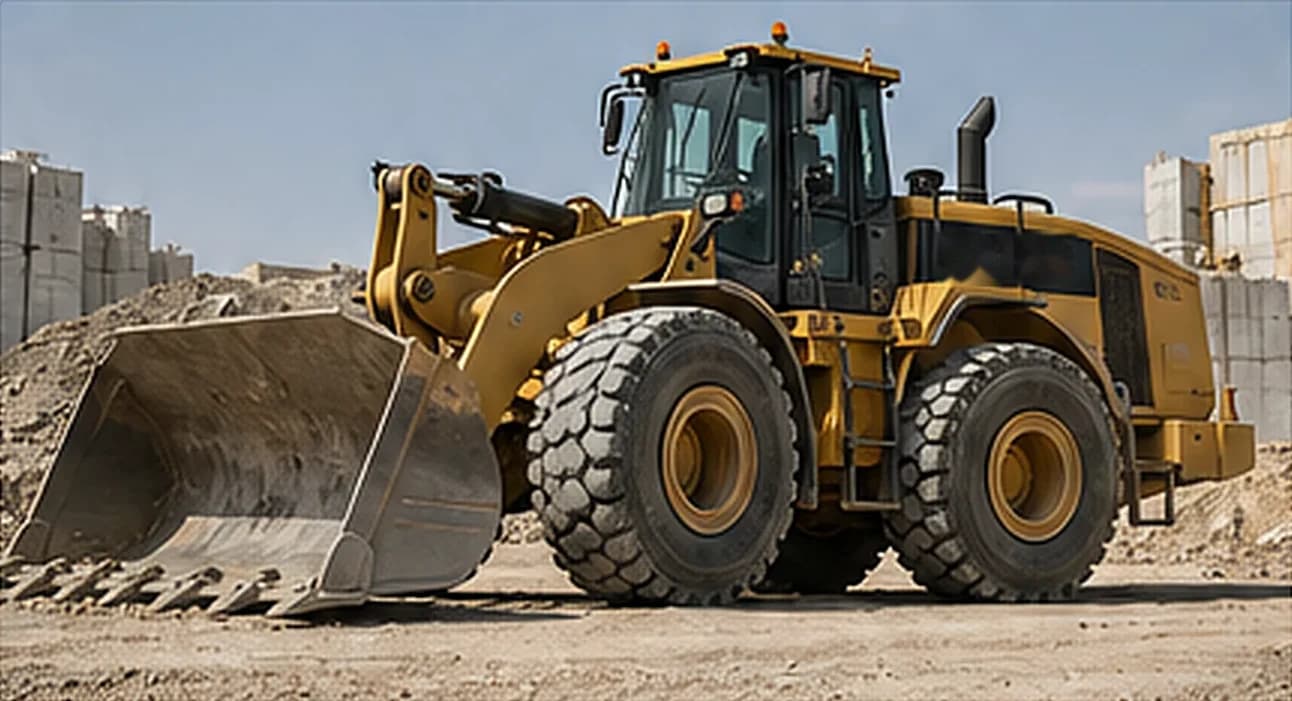
Tyres are a top running cost with the least data behind them.
In heat, heavy loads and off-road site access, tyres wear fast and fail without much warning. Most fleets know what they spent on tyres last year, but not which tyre, on which wheel, ran how far.
- Tyre spend with no ownerPurchases sit in the ERP while fitments sit in a notebook, so nobody can say what a tyre cost per kilometre.
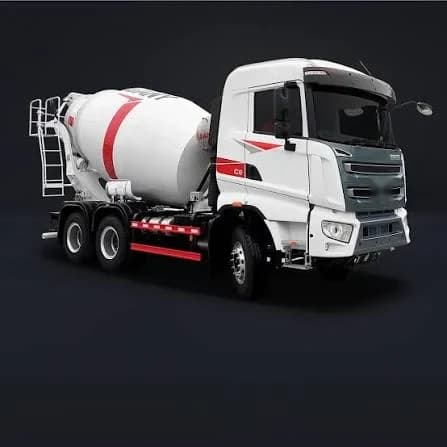
- Failures found at the roadsideA slow leak on a mixer in Riyadh heat is a blowout waiting to happen, and the walk-round only sees it once a day.
- Brands bought on priceWithout life and cost per km by brand, the cheapest quote wins even when it scraps twice as fast.
How tyre management works in Tyre Pulse.
The tyre man, the workshop and the fleet manager read and write the same tyre record.
Follow a tyre from RFID read to brand decision.
Tyre inspection: Catch the cut tyre before it becomes a blowout, and have the job on the workshop's list before the truck leaves the yard.
Step 1 of 5The QR on the cab opens the asset, its site, its tyre layout and its checklist.Sample data
The modules behind it.
- Tyre lifecycleFitment, removal and scrap by serial and wheel position, with the reason and who recorded it.See the module
- Inspections and safetyDaily tyre checks on the phone, offline, with photos, tread and pressure.See the module
- Fleet and assetsOdometer and engine-hour readings that every tyre's kilometres are measured against.See the module
- Maintenance and workshopA tyre defect becomes a job card the workshop can see and close.See the module
- Inventory and reportingTyre stock by site, store issues and cost per km reports by brand and size.See the module
- Access by country and siteA site tyre team sees its own vehicles, and each country reports in its own currency.See security
What you need to start.
Tyre tracking runs on your asset list and wheel layouts. Everything else adds detail when you have it.
- NeededYour asset listVehicle and machine codes, types and sites. An Excel export is enough.
- NeededWheel layouts per vehicle typeWe set up axles and positions for your mixers, pumps and trucks before go-live.
- OptionalExisting tyre recordsSerials, fitment dates and kilometres from a spreadsheet or ERP export, if you have them.
- OptionalA telematics connectionNeeded only for live TPMS alerts and automatic odometer readings. Without it, drivers log meters with a photo.
- OptionalRFID tagsUseful when serials wear off. Typed or scanned serials work without tags.
- OptionalTyre purchase linesYour ERP expense export turns kilometres into cost per km by brand and size.
Questions tyre teams ask.
- Do we need RFID tags to start?
- No. Each tyre is tracked by its serial number and wheel position. RFID makes the read faster where serials are hard to see, and you can add tags later.
- How does live TPMS pressure reach Tyre Pulse?
- Through your existing telematics connection. Pressure readings arrive with the vehicle data, and a tyre losing pressure raises an alert to the tyre team.
- How is cost per kilometre calculated?
- Tyre cost divided by the kilometres the tyre ran between fitment and removal, from your odometer or telematics readings. Plant measured in hours uses cost per engine hour instead.
Find your most expensive tyre per kilometre.
Send your tyre records and a month of odometer readings. We show cost per km by brand on your own fleet.